
Oxygen Not Included Beginner Natural Gas Station Guide
Oxygen Not Included beginner natural gas station guide: connect fuel storage, automate generators, handle exhaust, and keep heat away from your crops.
Jump to
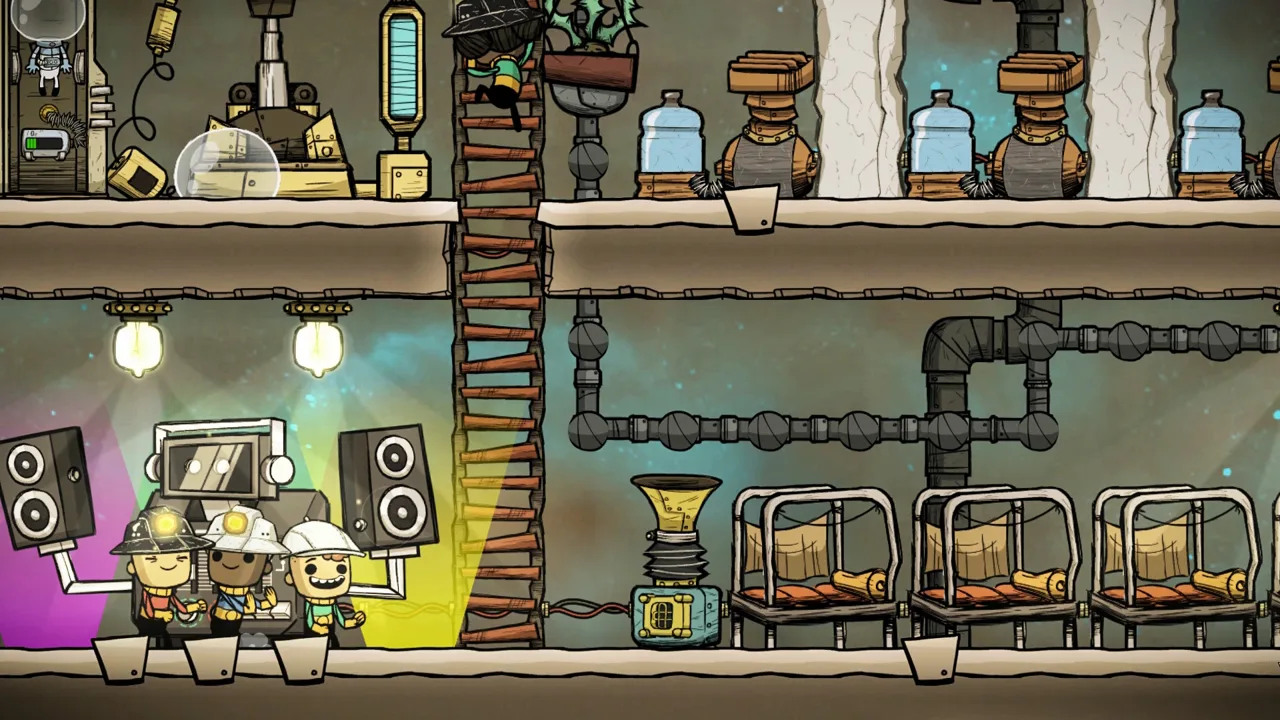
Build a Station That Runs Only When Needed
The core setup in this Oxygen Not Included beginner natural gas station guide is a Gas Pump feeding storage and a Natural Gas Generator controlled by a Smart Battery. Give carbon dioxide a separate exhaust, collect polluted water below the generator, and keep the station’s heat away from your crops.
Natural gas removes the recurring fuel-delivery errands that come with a manually supplied coal generator. Once the gas plumbing is connected, your Duplicants can spend that time digging, researching, or building. The work shifts to keeping the fuel supply available and handling the generator’s outputs.
Start with these connections:
| Station component | Connection or setting | Purpose |
|---|---|---|
| Gas Pump | Fuel chamber to gas piping | Moves natural gas toward storage and generation |
| Gas Filter | Select natural gas; provide a route for other gases | Keeps contaminants out of the fuel line |
| Gas Reservoir | Between the fuel supply and generator | Holds a reserve for interruptions |
| Smart Battery | Power wire and automation wire connected to the generator | Stops unnecessary fuel consumption |
| Generator exhaust | Gas pipe to a separate disposal area | Carries carbon dioxide away |
| Collection pit | Below the generator | Collects polluted water for reuse |
Build one understandable station before expanding it. Extra generators add more fuel demand, exhaust, and heat to manage.
Official page: Oxygen Not Included (klei.com)
Prepare the Fuel Supply and Gas Piping
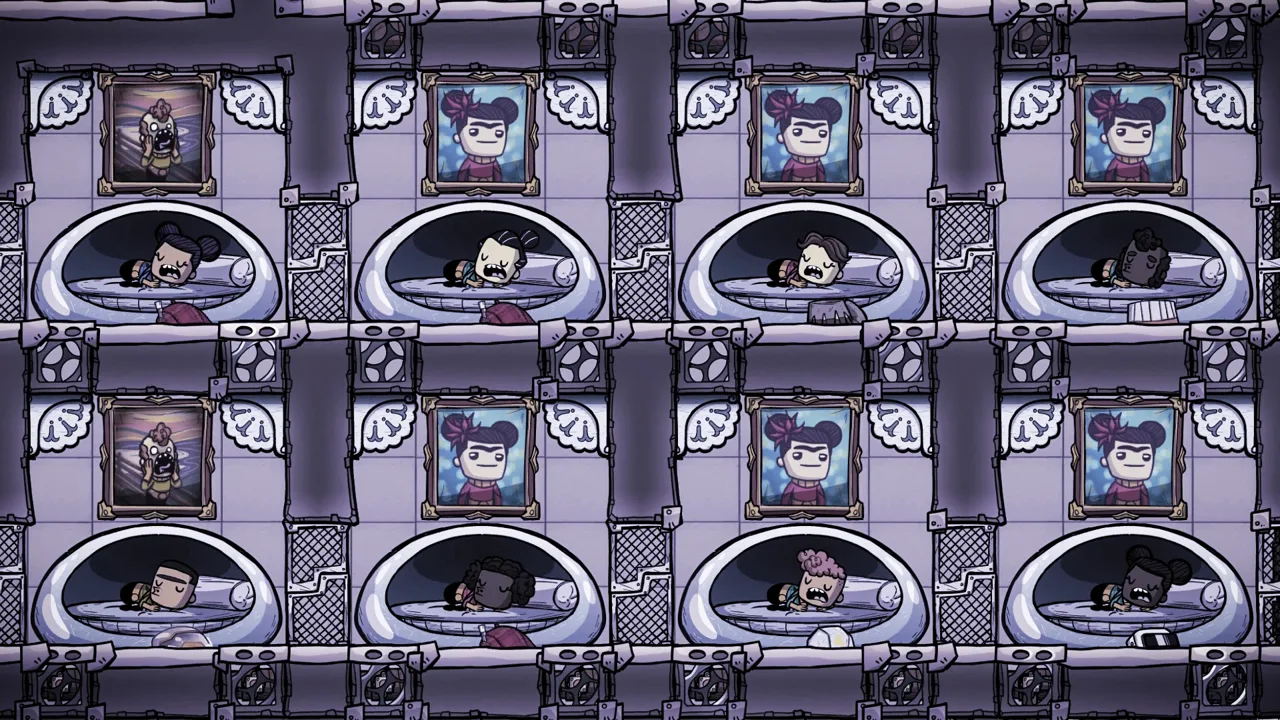 Image: Steam / Klei Entertainment
1. Contain the natural gas
Enclose the geyser area and place a Gas Pump inside the chamber. Leave room for gas to accumulate between pumping and generation.
Keep this chamber separate from the generator’s exhaust destination. Pumping carbon dioxide back into your fuel supply creates another contaminant to remove.
A larger fuel chamber can hold more gas, but it also means more excavation and construction. Start with a chamber you can finish and inspect, then expand storage when you understand your colony’s demand.
2. Filter contaminants before they reach the generator
Route the pump’s output through a Gas Filter set to natural gas. Connect the selected output to your fuel storage and give the remaining gases their own destination.
Use the ventilation overlay to follow both routes. A filter needs somewhere to send the gases it separates; an unfinished rejection line leaves the plumbing incomplete.
Keep the beginner setup straightforward. Sensor-controlled shutoffs can also separate gases, but their routing and automation require more attention.
3. Check pipe direction
Gas moves out of green building connections and into white connections. Follow the entire route:
Gas Pump → Gas Filter → Gas Reservoir → Natural Gas Generator
Connect the generator’s carbon dioxide output to a separate exhaust line. Inspect actual gas packets in the ventilation overlay before leaving the station unattended.
Automate Generation With a Smart Battery
 Image: Steam / Klei Entertainment
4. Connect both kinds of wire
The Smart Battery needs a power connection to the generator’s circuit and an automation connection to the generator’s control port. The Smart Battery stores electricity; power wire connects circuit components, and automation wire tells the generator when to run.
Without that control, the generator can consume fuel while producing electricity your colony has nowhere useful to put.
Use these starting thresholds:
| Smart Battery setting | Starting value | Behavior |
|---|---|---|
| Low threshold | 35% | Requests generation when charge falls to this level |
| High threshold | 70% | Stops generation when charge reaches this level |
The gap between the thresholds lets the battery discharge before requesting another charging period. Adjust the settings as you learn how quickly your machinery drains the battery.
5. Keep fuel collection independent of battery demand
Connect the battery’s automation signal to the generator. Let fuel collection continue while electricity demand is low so available gas can fill your reserve.
An Atmo Sensor can control the fuel pump based on pressure in its chamber. That gives the pump a control tied to available gas, while the Smart Battery controls fuel consumption according to electricity demand.
Connect the Station Without Overloading Your Grid
 Image: Steam / Klei Entertainment
6. Inspect consumers across the whole circuit
A circuit includes every building connected by continuous wire. Check the power overlay and hover over the wiring to see its current load and potential load.
Adding a generator does not increase the wire’s capacity. Pumps, filters, research equipment, and other consumers still share the limits of their connected circuit.
If you upgrade the wiring, replace every weaker segment on that circuit. Leaving a short stretch of lower-capacity wire creates a place where overload damage can occur.
7. Keep construction power available during startup
Keep your existing power source available while connecting the pump, filtration, and generator. Disconnecting working power before the fuel system is ready can leave the equipment needed to deliver gas without electricity.
Wait until you can see fuel reaching the generator and the Smart Battery charging before changing your existing power arrangement.
Handle Carbon Dioxide, Polluted Water, and Heat
8. Give exhaust a complete destination
The Natural Gas Generator produces 22.5 g/s of carbon dioxide while operating. A Coal Generator produces 20 g/s, so changing fuels does not remove the need for carbon dioxide management.
Route the exhaust to a separate area served by a Carbon Skimmer. The skimmer uses clean water and produces polluted water, so complete its plumbing too.
Venting carbon dioxide into space is another option once you have access and the necessary pipe route. For an earlier station, use the disposal system you can finish without a major excavation project.
9. Collect polluted water underneath
Leave a collection area below the generator for its polluted water. Give that water a destination instead of allowing it to spread across an industrial floor.
Keep the collection pit separate from your clean-water supply. The output remains a usable resource, but collecting it deliberately makes later pumping and treatment easier.
10. Separate the station from farms
Build the generator away from temperature-sensitive crops. Use insulated tiles where you need to reduce heat transfer toward the living area.
Gold amalgam can serve in an early generator, with steel available as a later upgrade. Material choice does not remove the heat being produced, so keep checking the temperature overlay.
Avoid copying compact industrial rooms without considering cooling. Surrounding material can absorb heat for a while, but a station that runs comfortably at startup can become hotter over many cycles.
Store Fuel for Geyser Downtime
11. Use gas storage as your operating reserve
A natural gas geyser goes dormant, interrupting fresh fuel production. Store gas while it is available so the generator can continue operating during that interruption.
Use a larger chamber, Gas Reservoirs, or both. Reservoirs provide a clear place to inspect stored fuel; a larger chamber holds gas before pumping it into the supply line.
Keep the two storage jobs distinct: the Smart Battery holds electricity, while gas storage holds the fuel needed to generate more.
12. Watch reserves before expanding demand
Check stored gas during active periods and dormancy. If the reserve keeps shrinking, adding generators will not solve the fuel shortage.
Retain an alternate power source while learning how your geyser’s supply matches the colony’s consumption. Later, capture natural gas produced around oil-processing equipment and route it through suitable filtration into the same fuel-storage system. Keep industrial contaminants out of the generator line as you add those connections.
Continue exploring

Oxygen Not Included Beginner Guide: Survive and Grow
Use this Oxygen Not Included beginner guide to choose duplicants, build bathrooms, manage oxygen and food, and keep your colony growing without a crisis.
Oxygen Not Included Mods: Essential QoL Picks for 2026
Find Oxygen Not Included mods for clearer overlays, faster planning, and better colony control, plus what to reconsider after the November 2026 QoL update.
Join the community
Official channels for news, updates and player help: